Rich notes, without the fuss.
Checklists, tables, headings, highlights and links, formatted the way you’d expect. Type 1200 / 4 = and the answer appears.
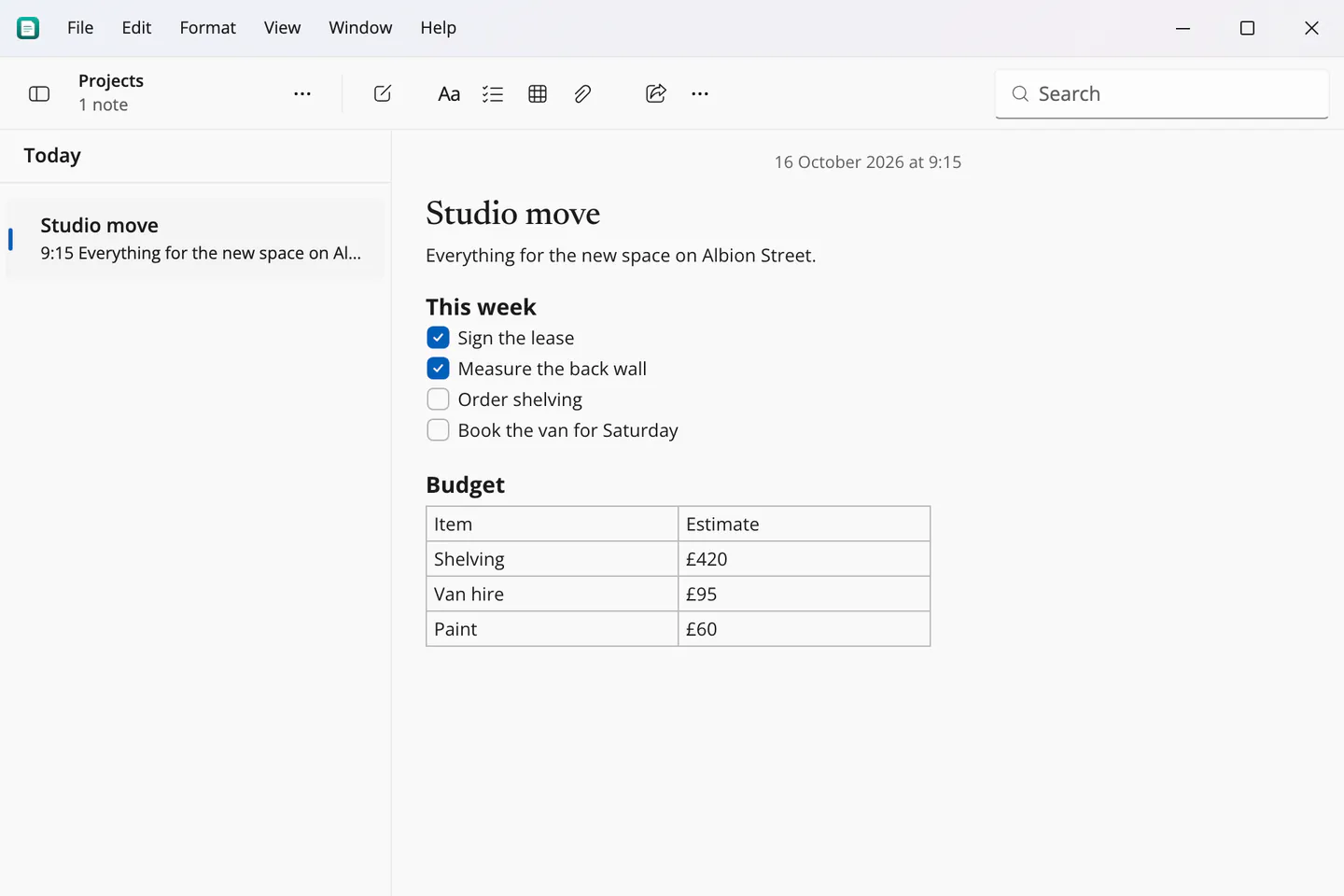
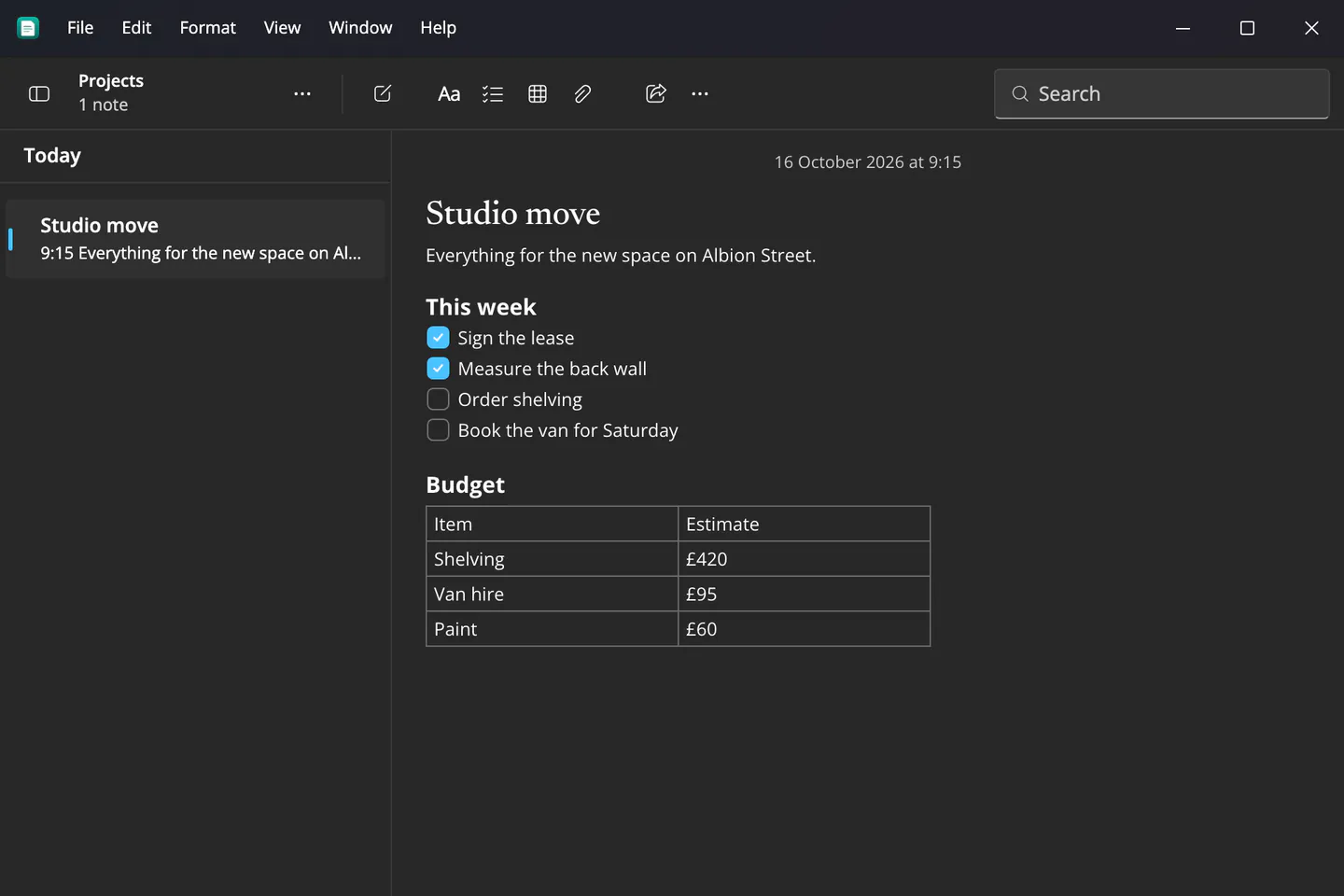
Notes and reminders for Mac, Windows, Linux, iPhone and Android, built in each system’s own design language and synced end‑to‑end encrypted between all of them.
Version 0.10, public betaFreeNo account needed to start
Most cross-platform apps wear one skin everywhere. Notelet takes on the look, type, controls and even the capitalisation of the system it runs on, so it feels like it came with your computer. Your notes stay exactly the same.
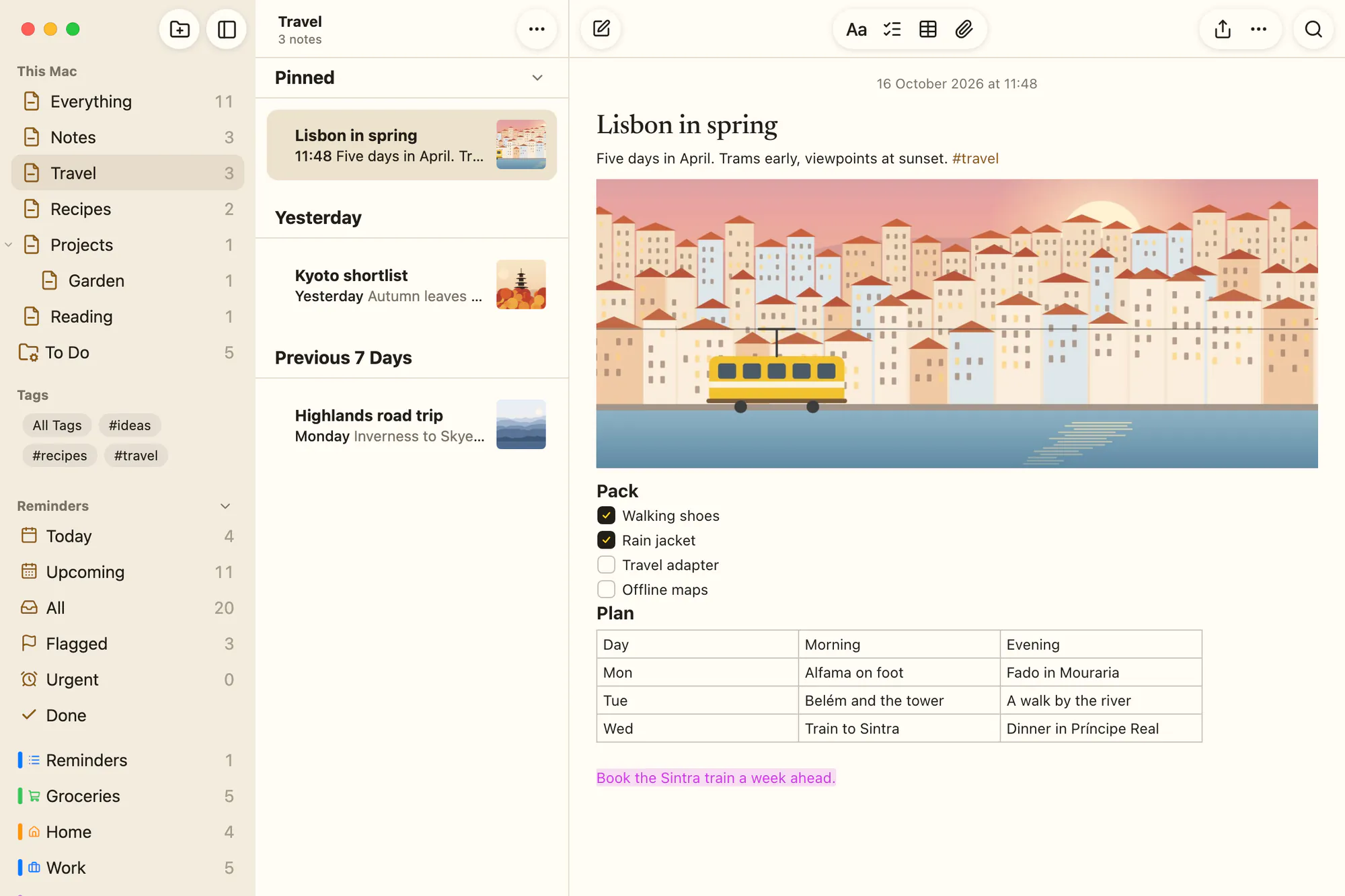
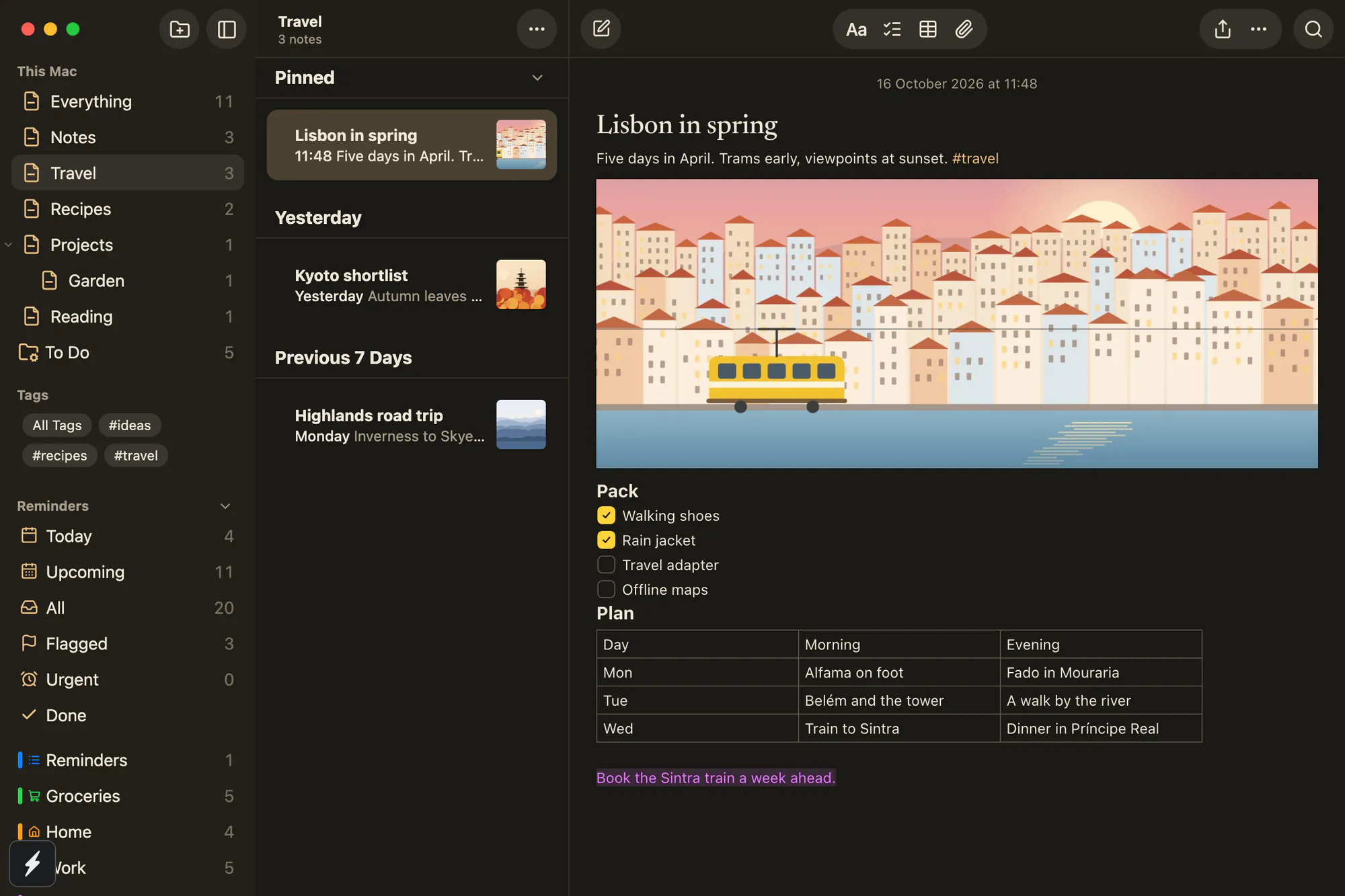
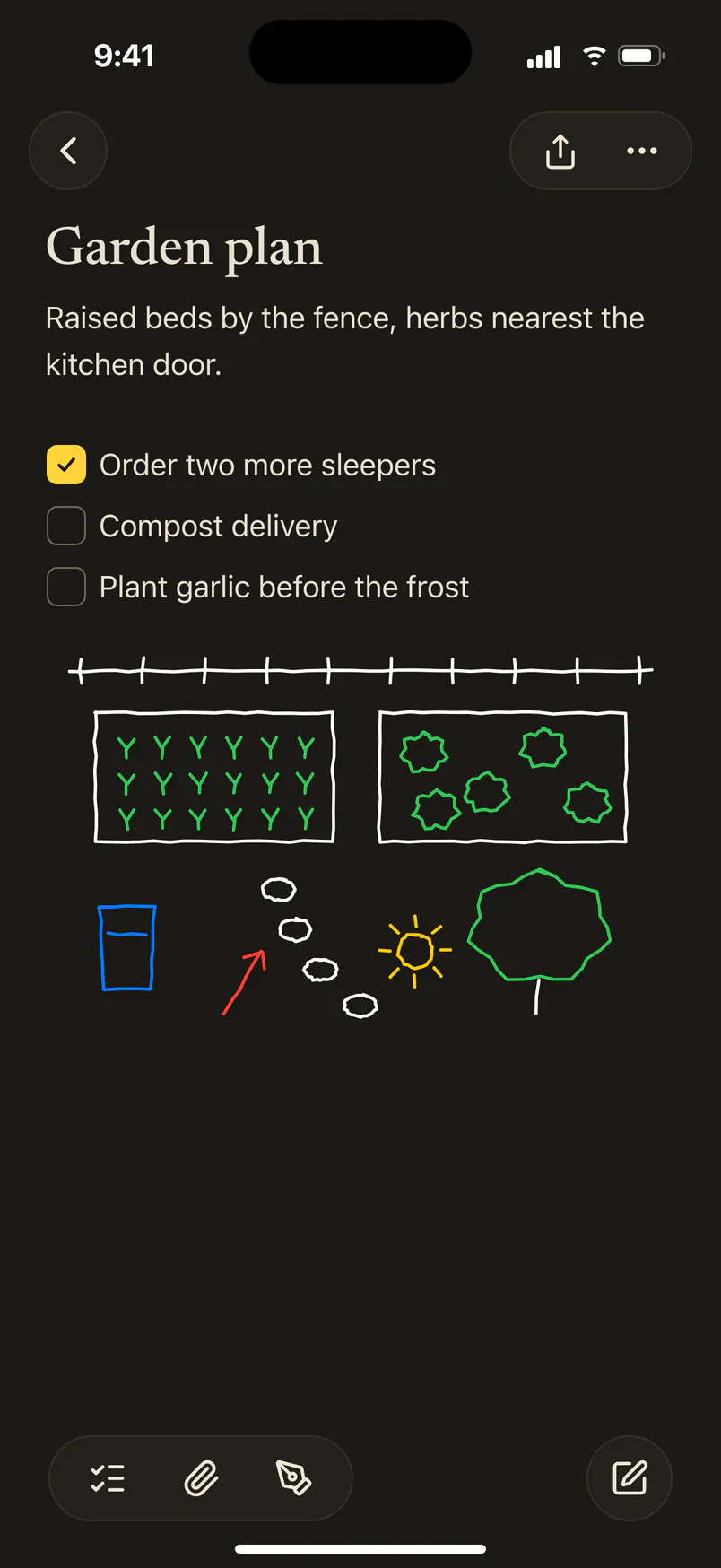
Ink and a yellow highlighter, serif note titles, glass toolbar buttons and the system’s type. The window’s toolbar is its title bar, and the menu bar is the real one.
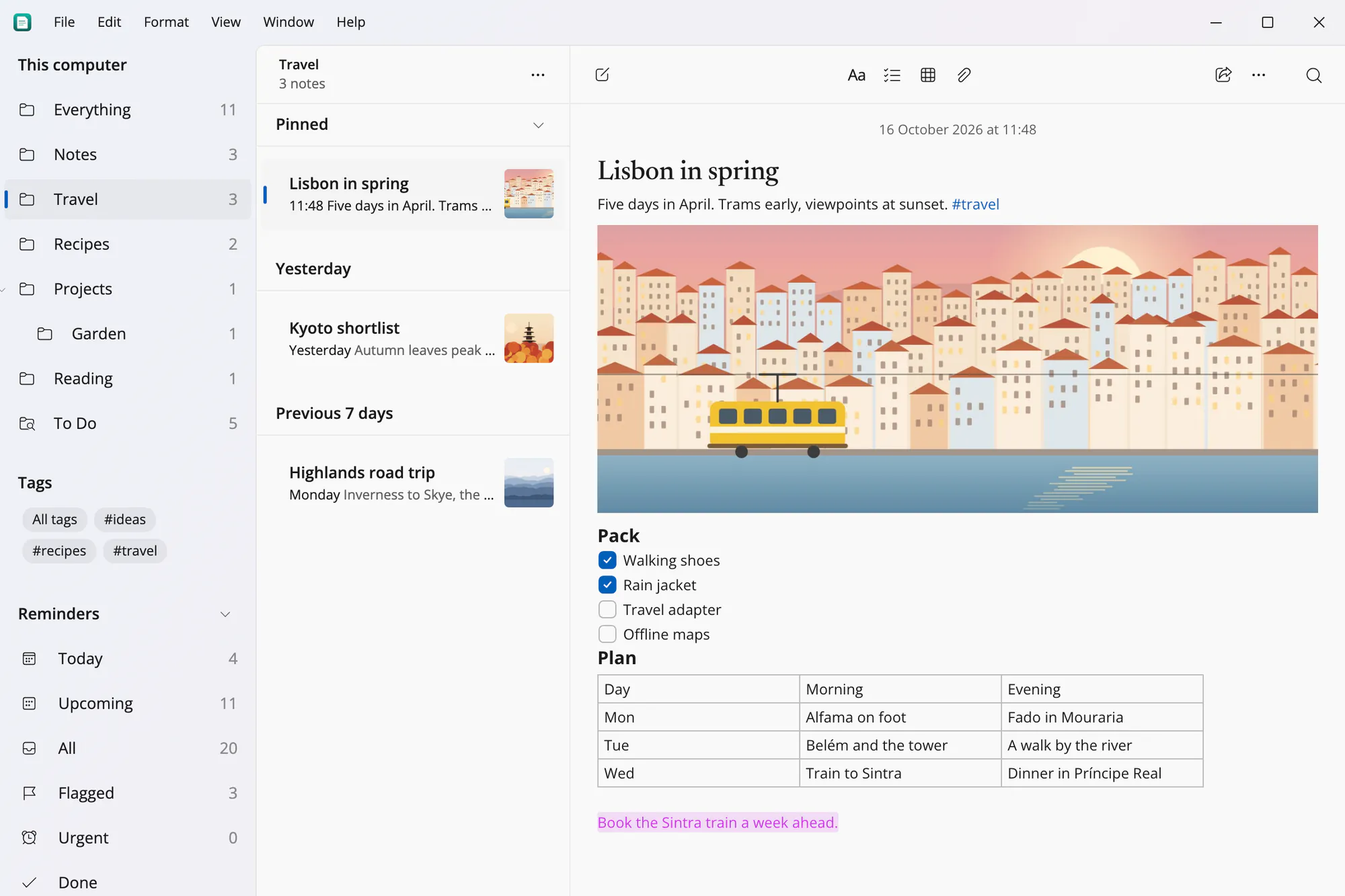
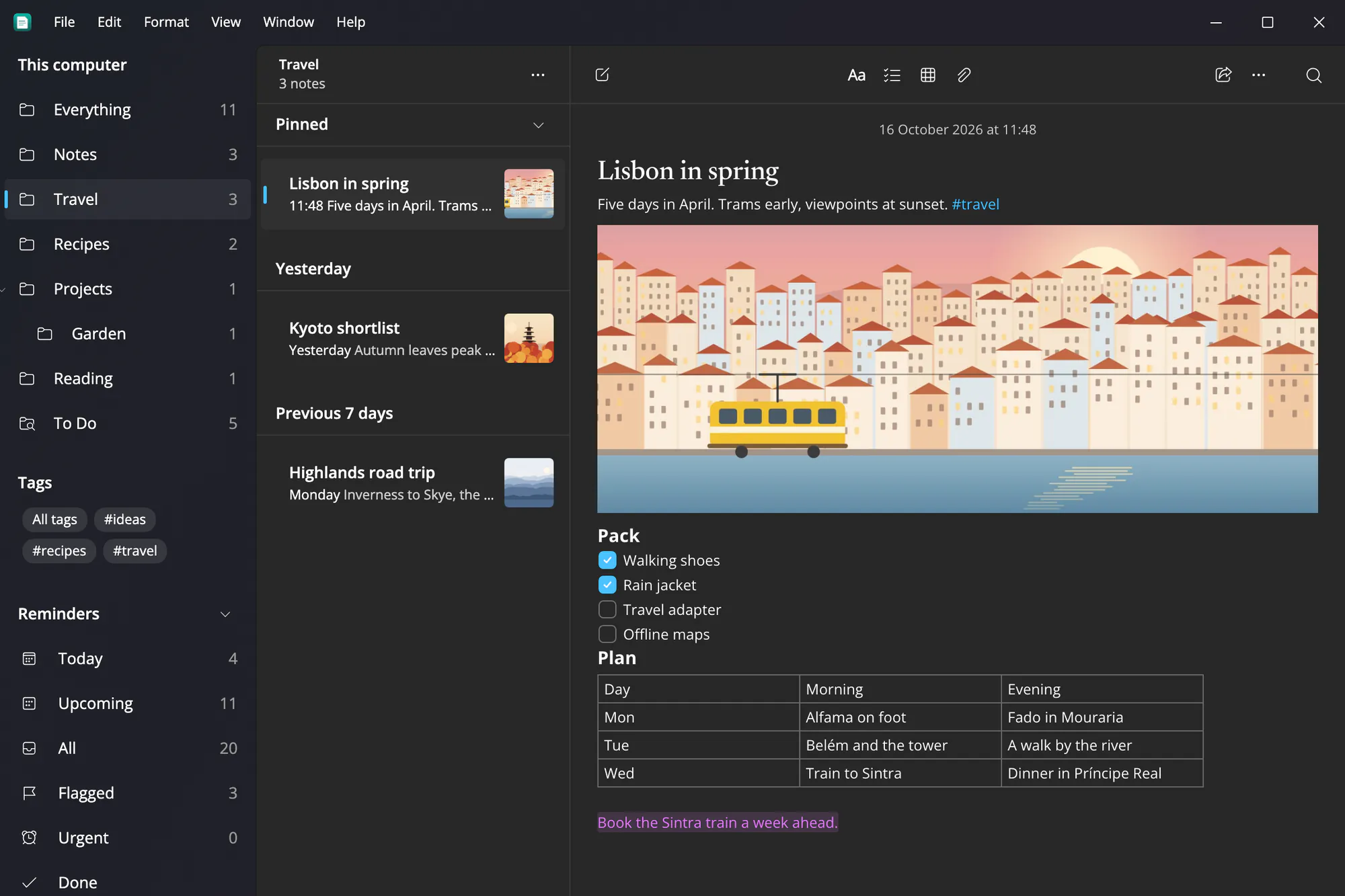
Mica under the title bar and sidebar, the content on its own layer, Fluent icons and Segoe UI Variable, in your Windows accent colour.
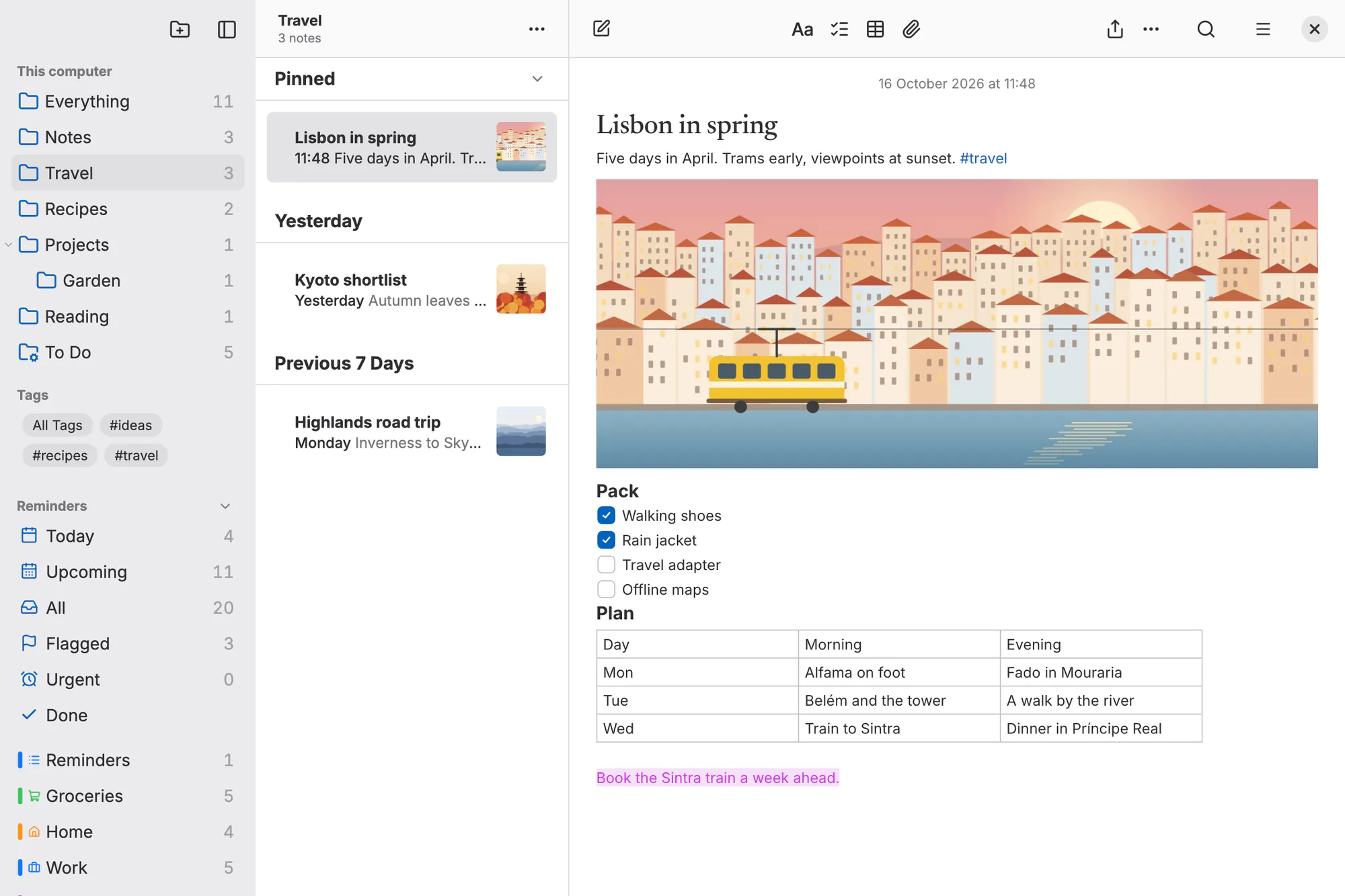
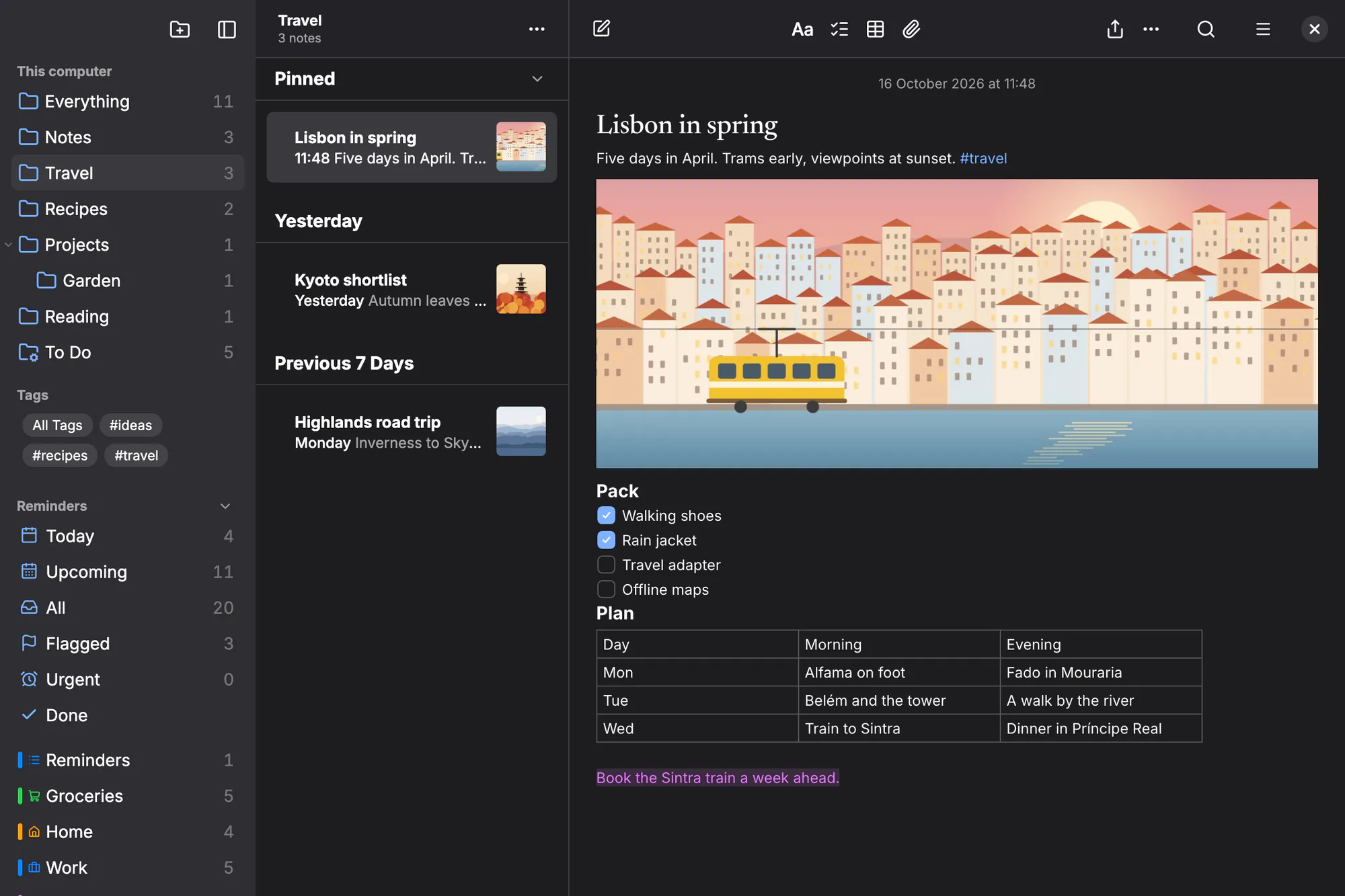
libadwaita’s colours and your GNOME accent, Adwaita Sans at your interface font size, and corners of 6 and 12 px.
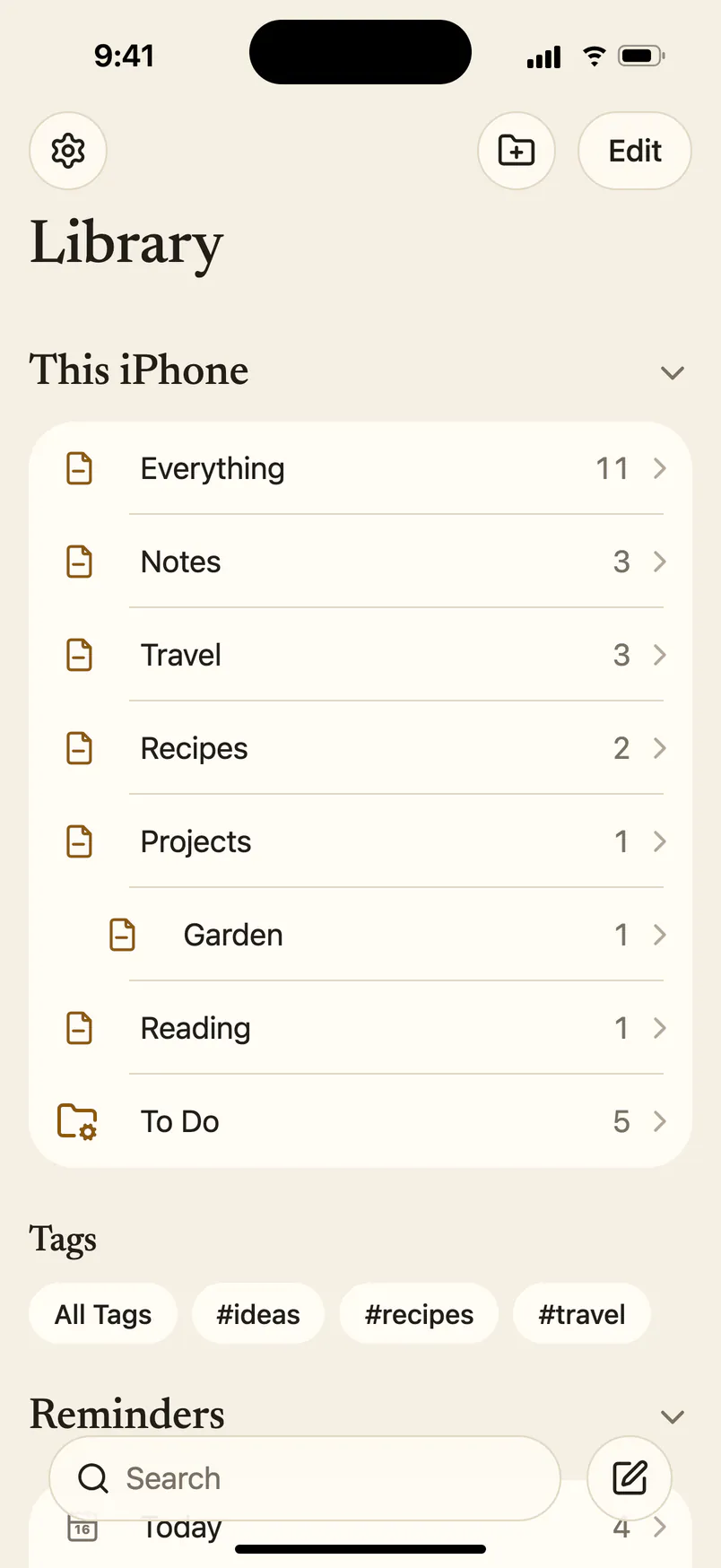
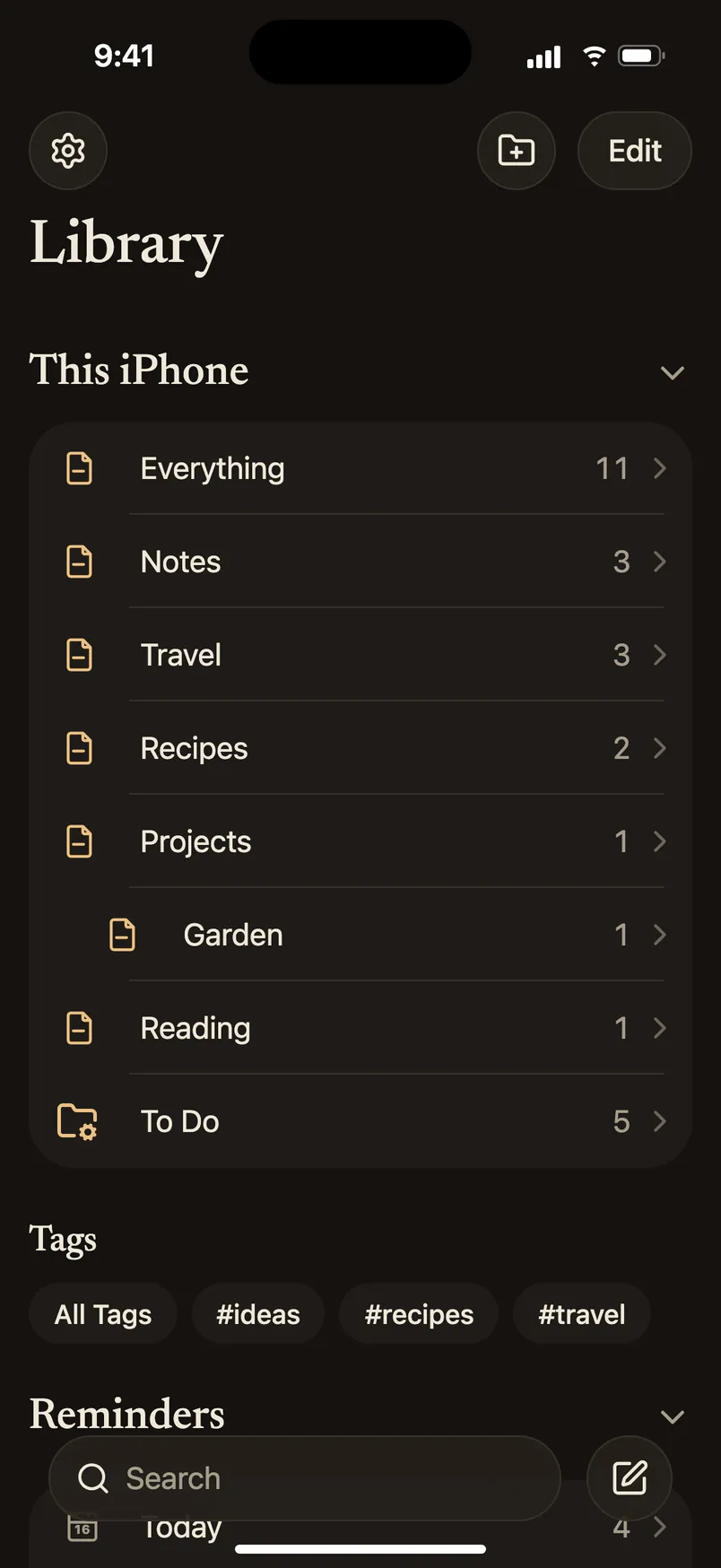
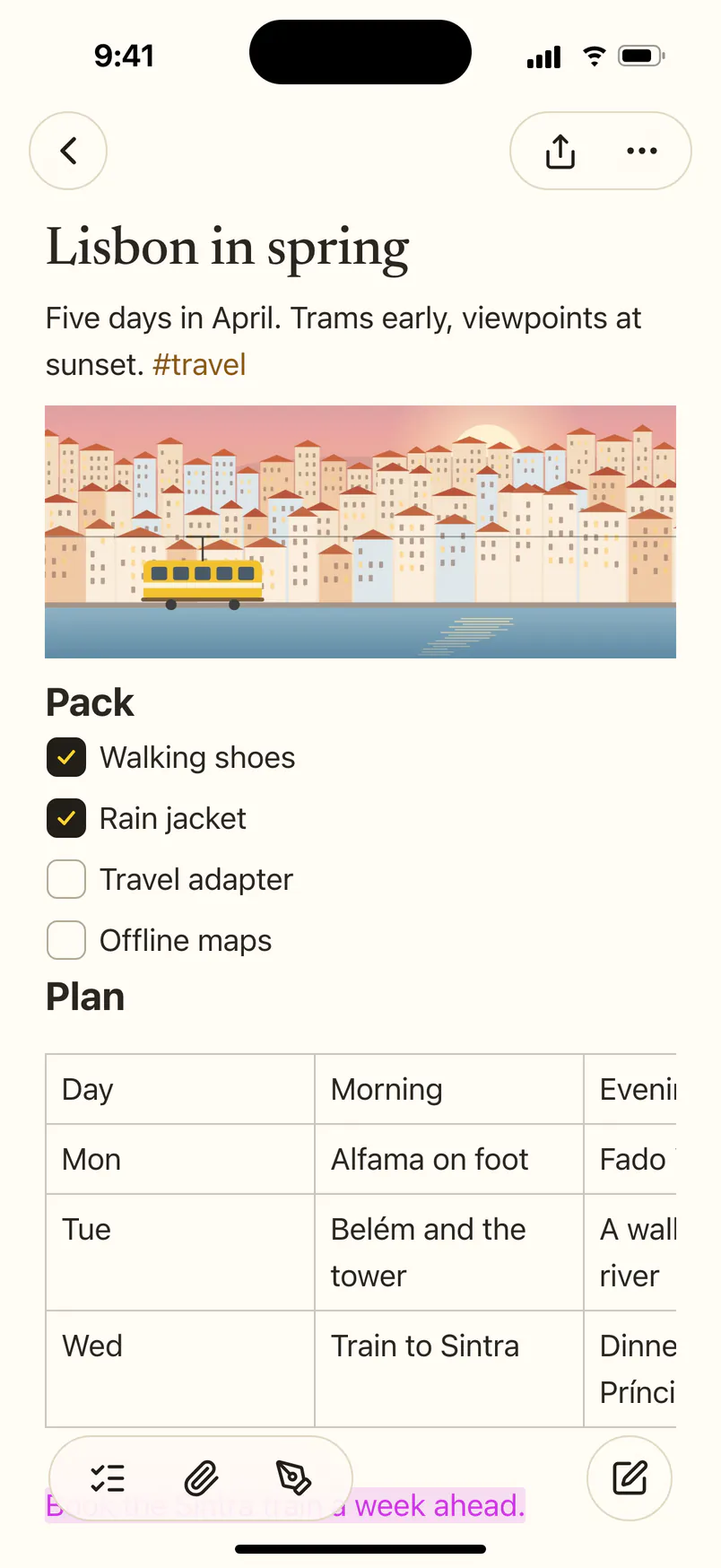
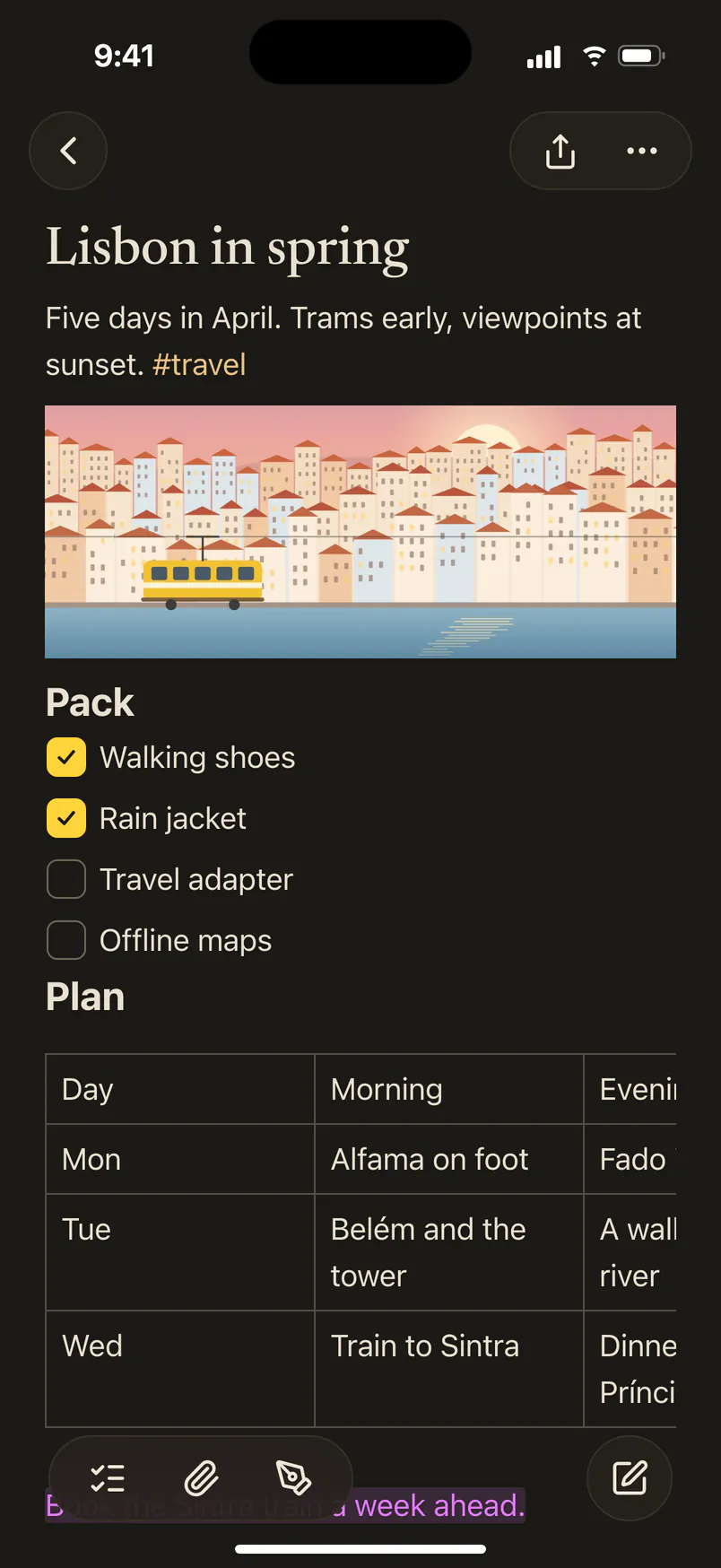
Large titles, inset groups and glass bars, serif note titles in ink and yellow, with the system’s own pieces doing the work.
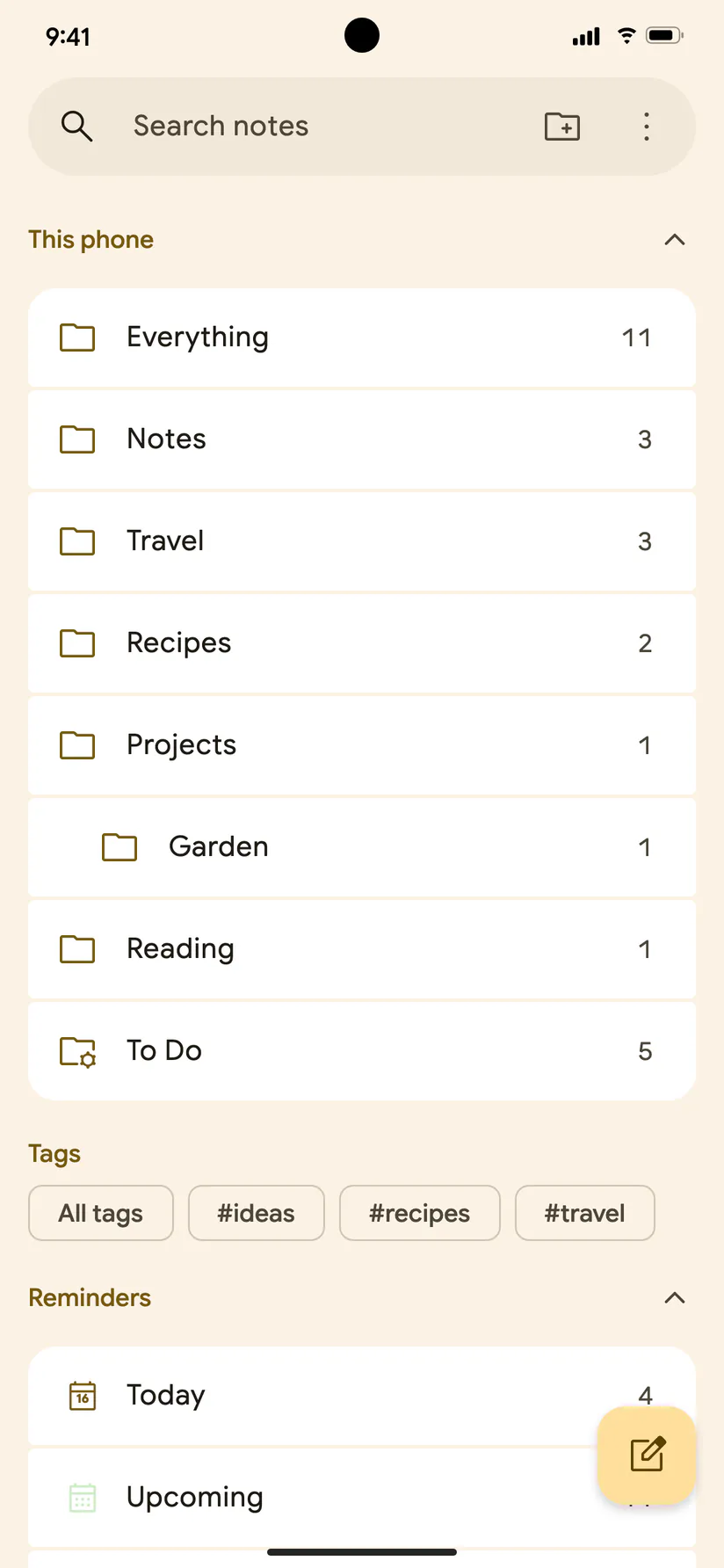
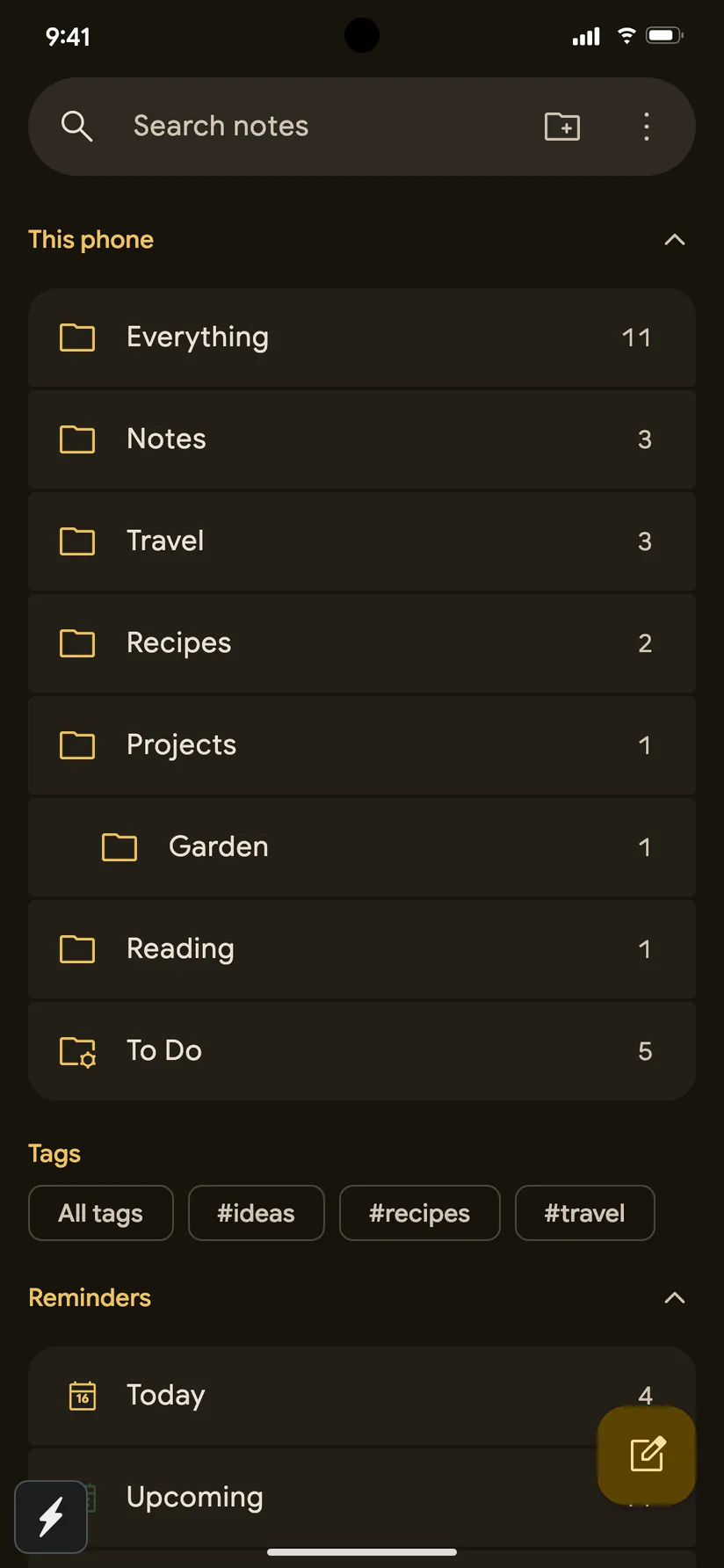
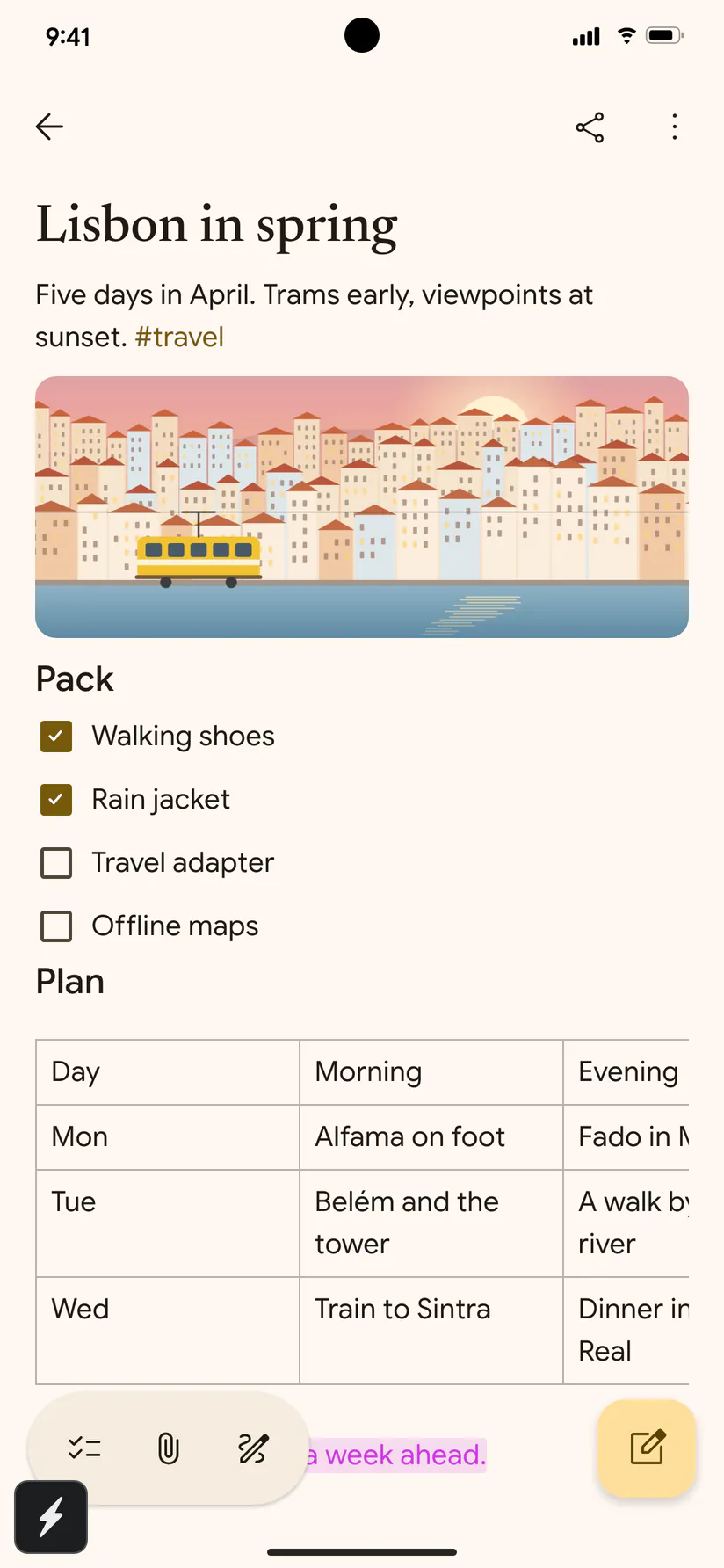
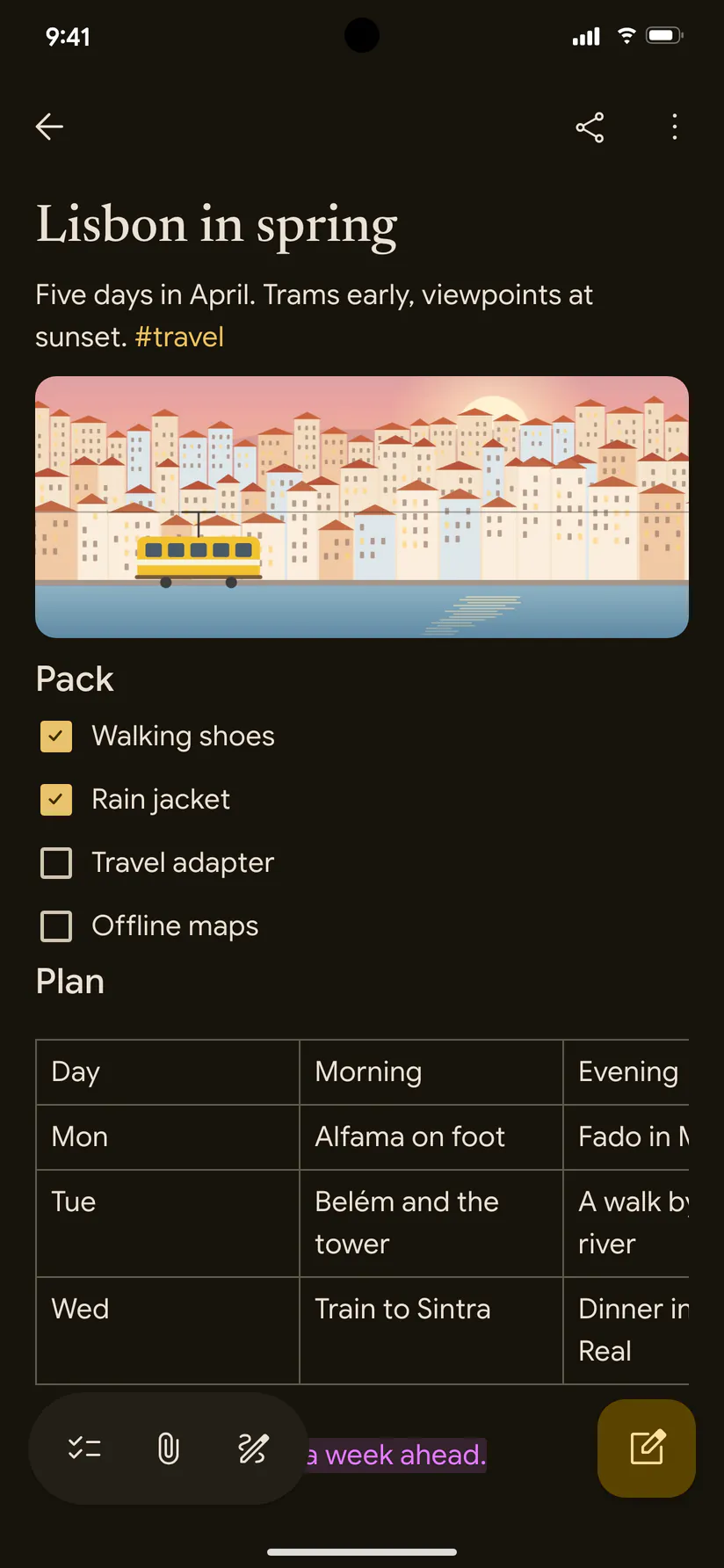
A search app bar, segmented lists, a floating toolbar and action button, Google Sans Flex and Material Symbols, in your Material You colours.
Where a system has its own menu, alert, picker or switch, Notelet uses it. Where it doesn’t, it draws one to that system’s guidelines.
San Francisco, Segoe UI Variable, Adwaita Sans or Google Sans Flex, and the accent colour you picked for your desktop or phone.
“Sort By” on a Mac and in GNOME, “Sort by” on Windows and Android. Even the capitals follow the house style.
Rich notes, real reminders, attachments, search and locks, with the menus and shortcuts you already know. Every feature, on every system.
Checklists, tables, headings, highlights and links, formatted the way you’d expect. Type 1200 / 4 = and the answer appears.
Lists and smart lists (Today, Upcoming, Flagged, All) with repeats, subtasks, sections, priorities and templates.
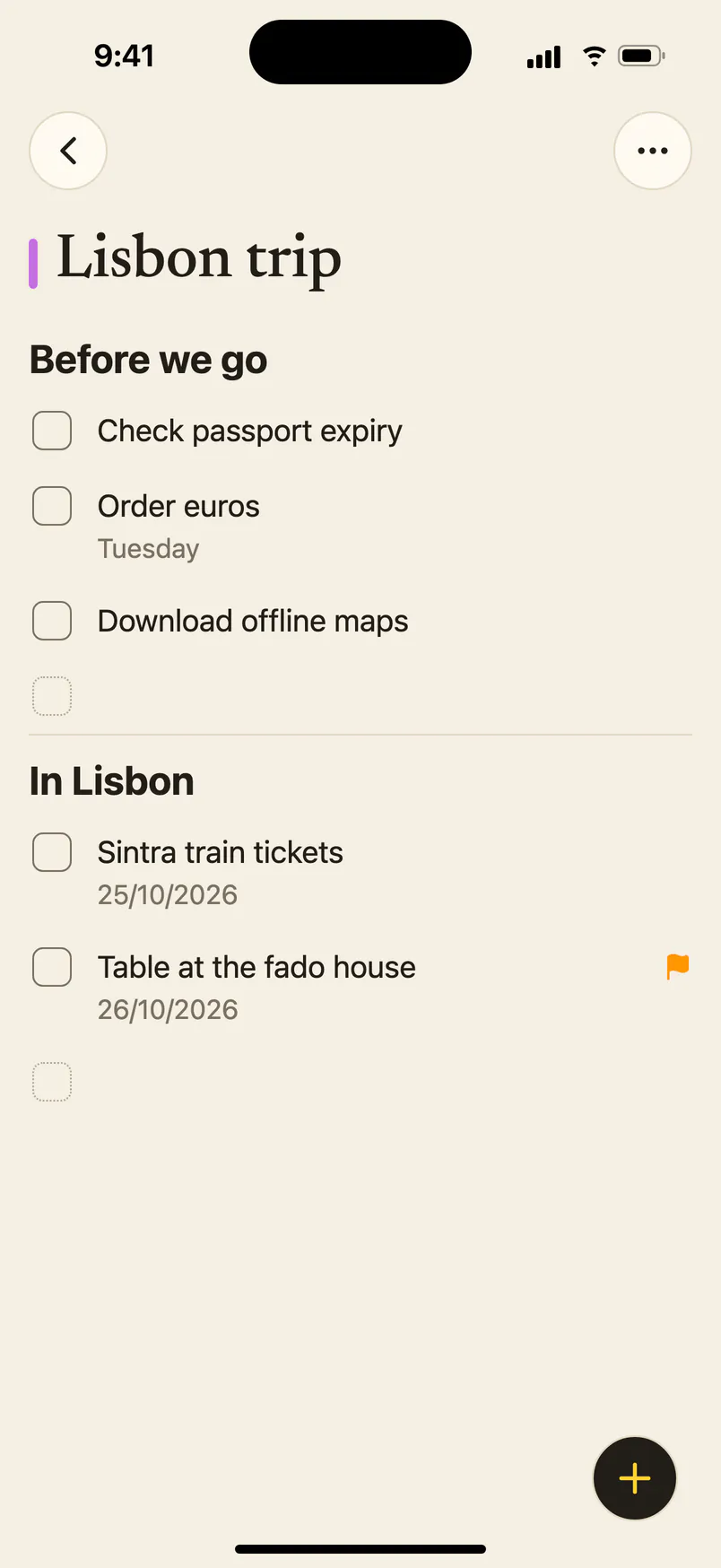
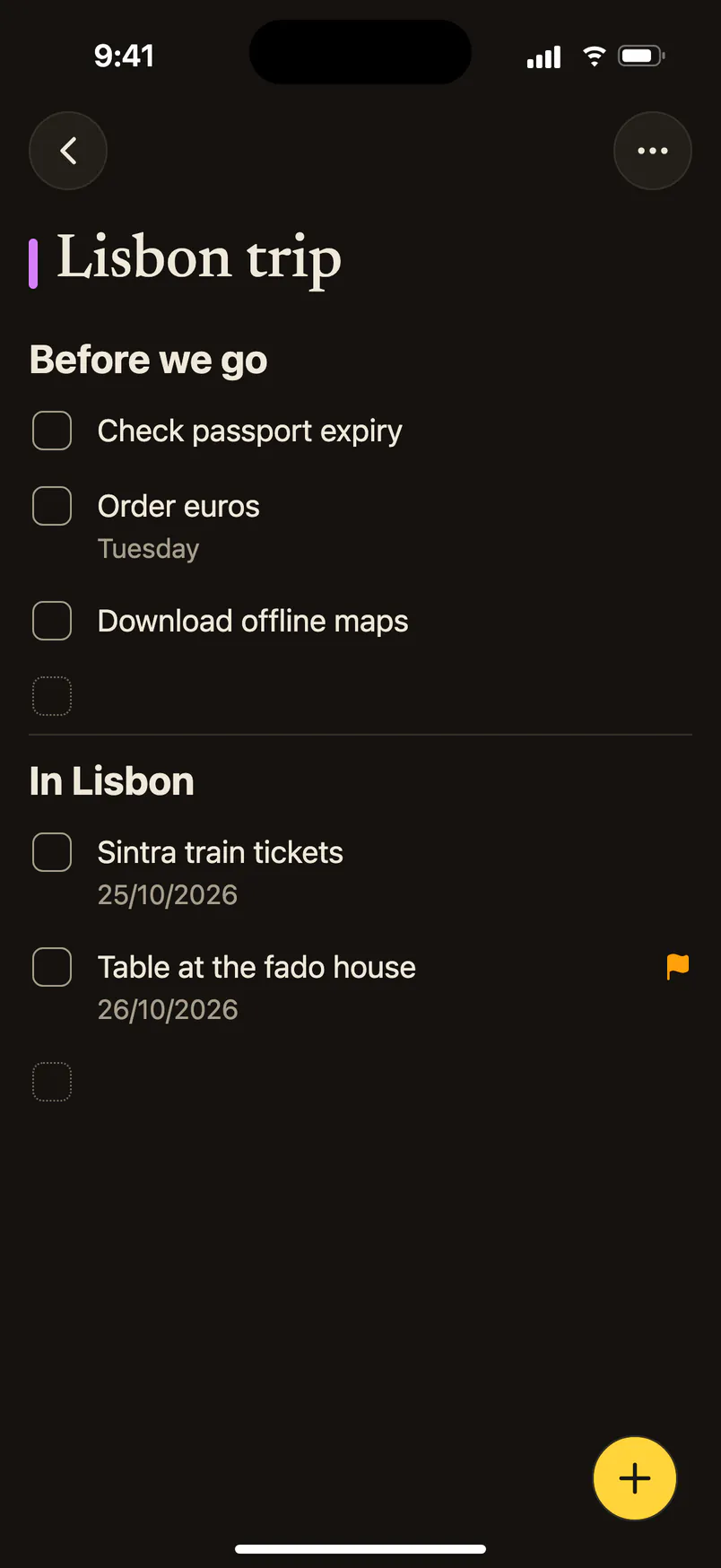
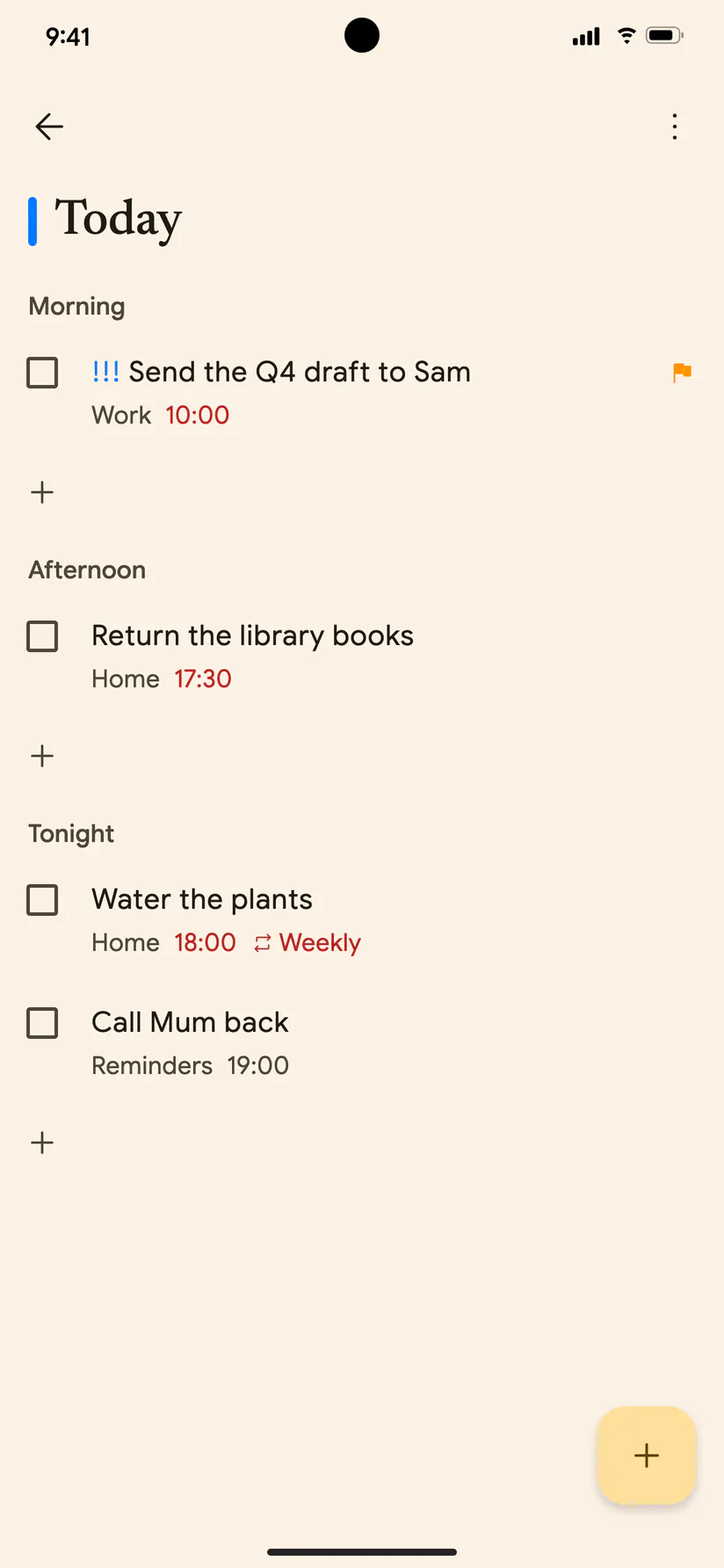
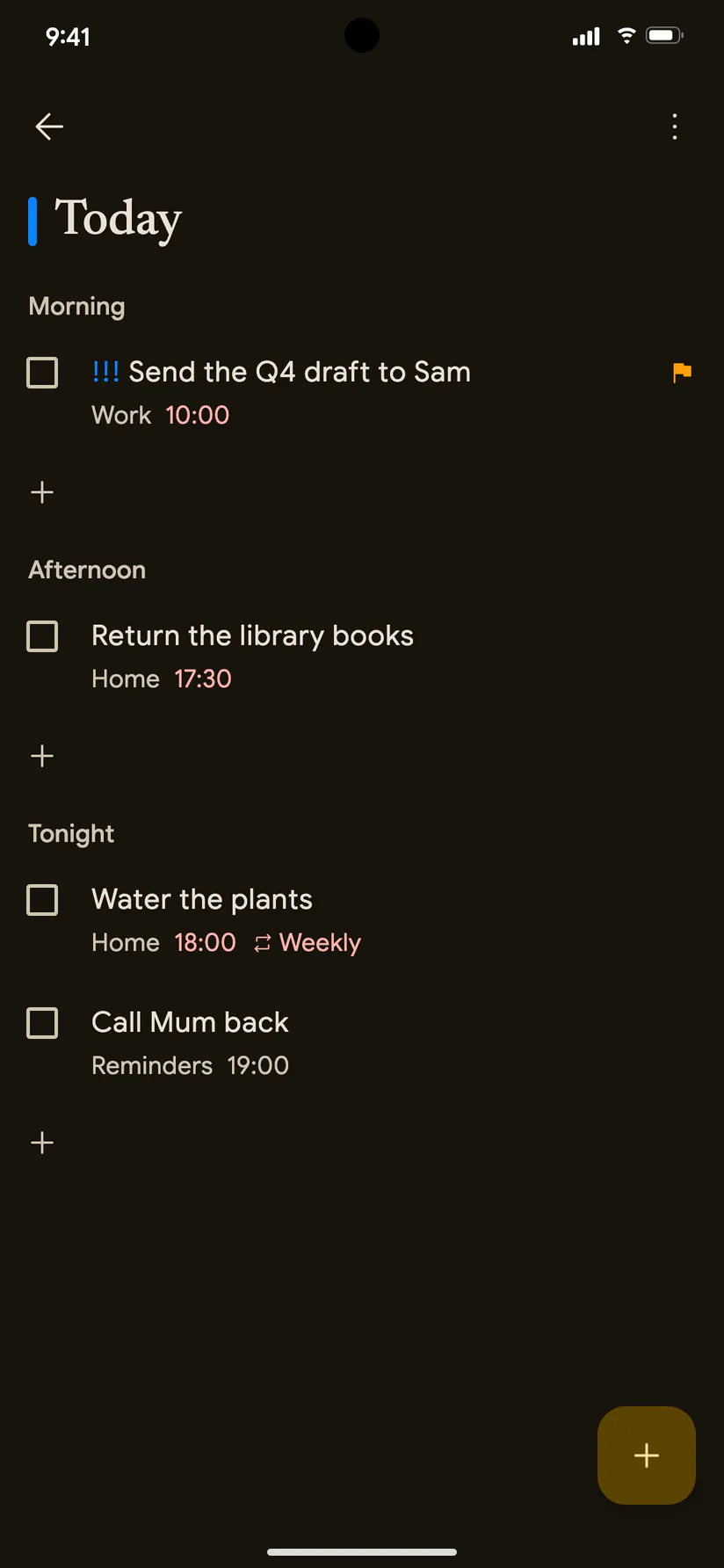
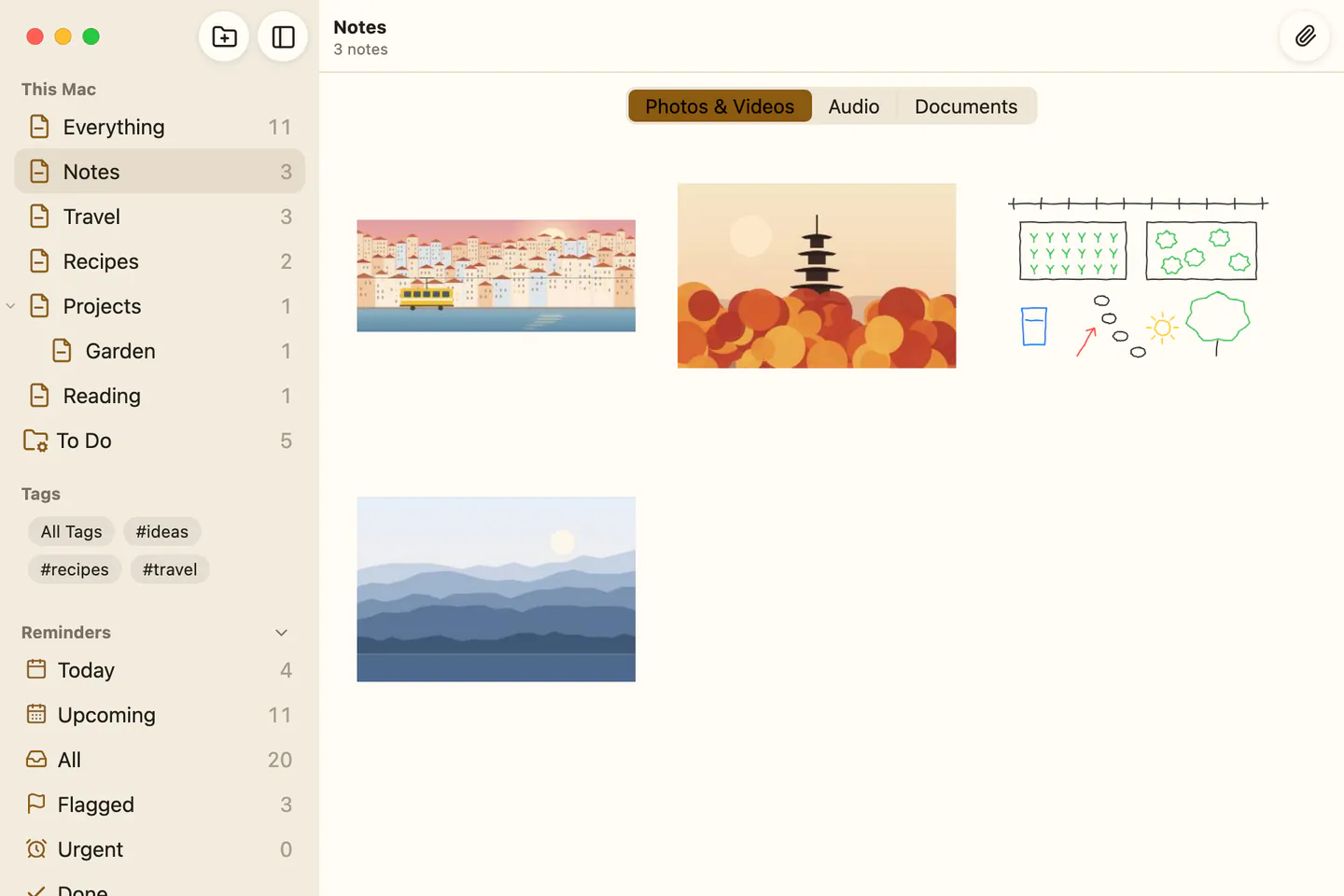
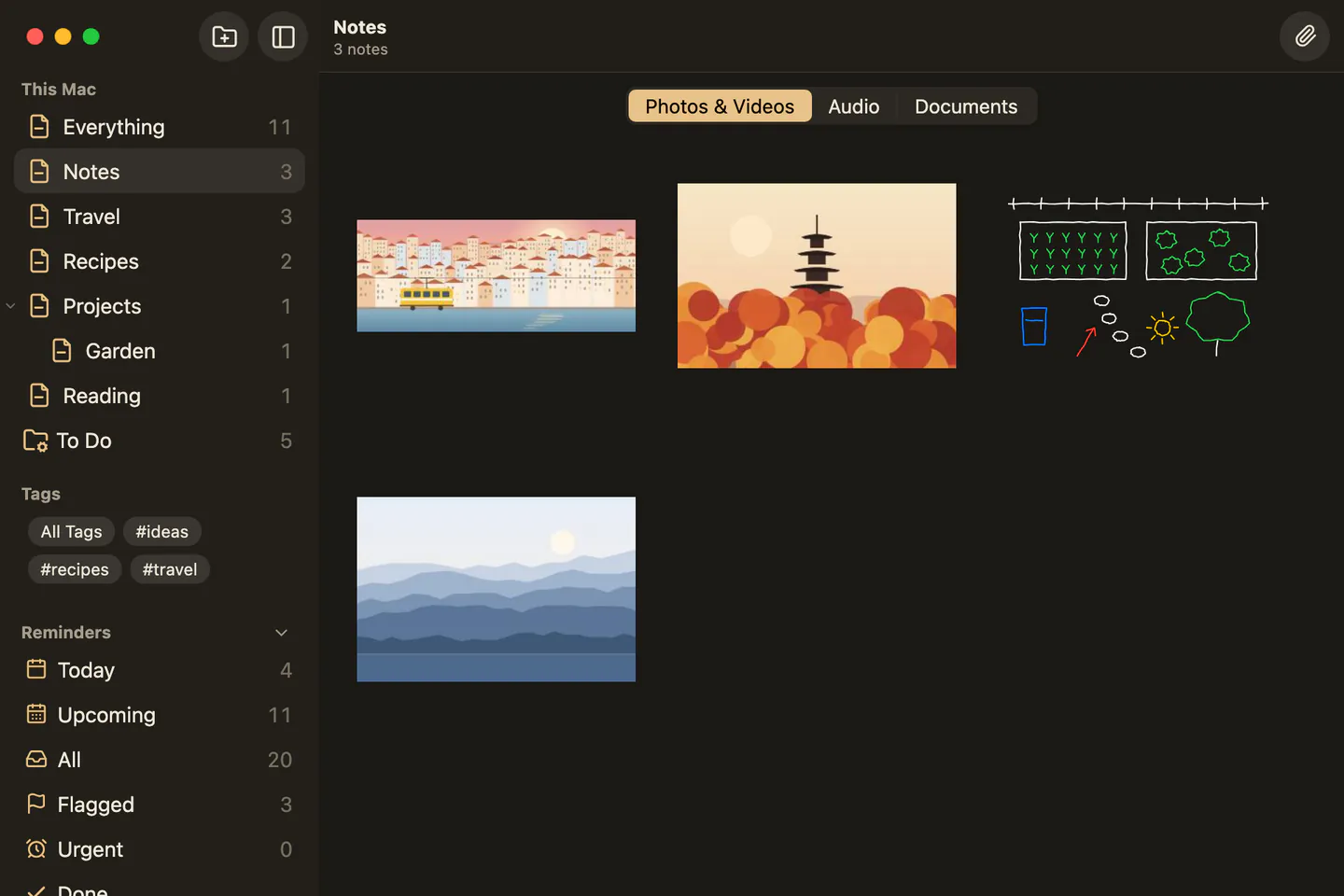
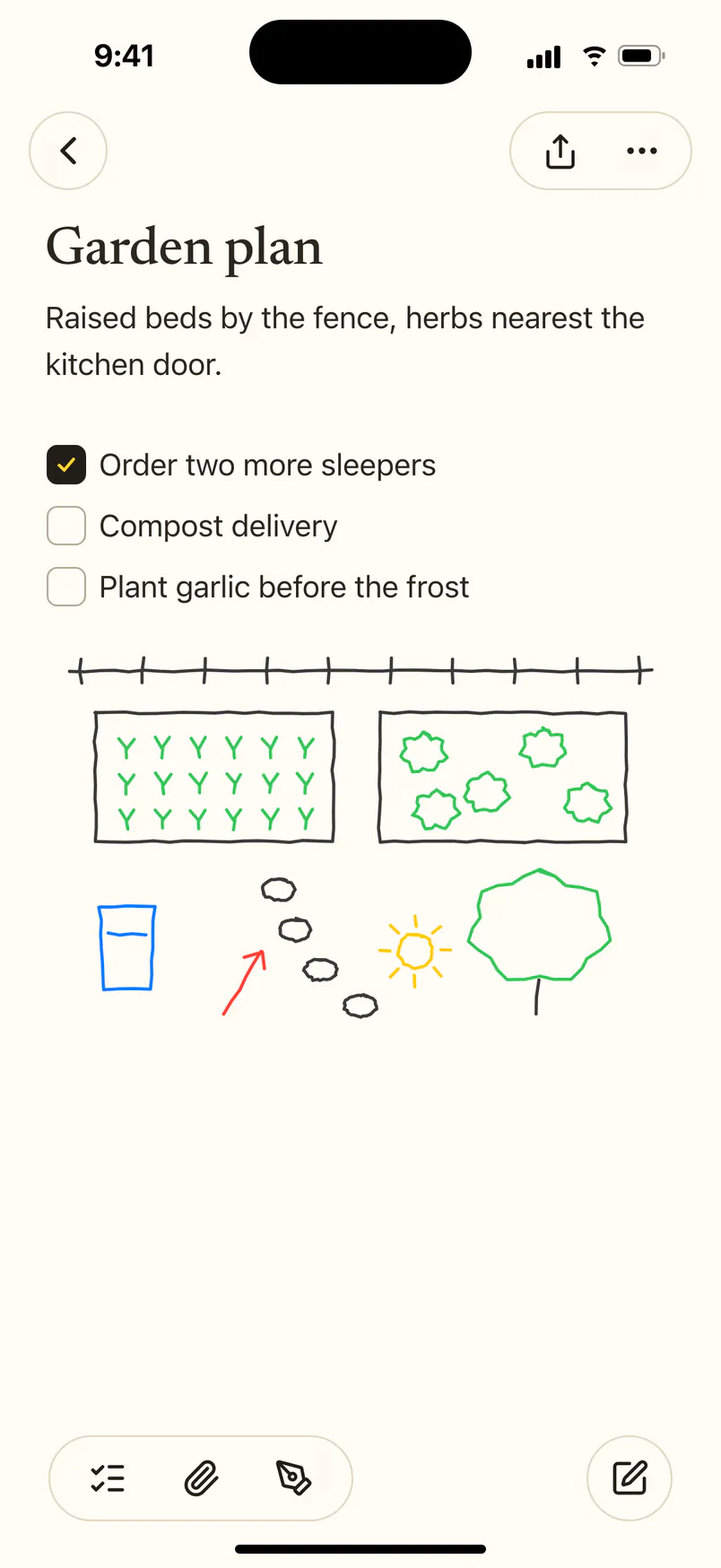
Drop in photos, videos, PDFs and audio, or sketch with a finger. Every attachment, from every note, in one browser.
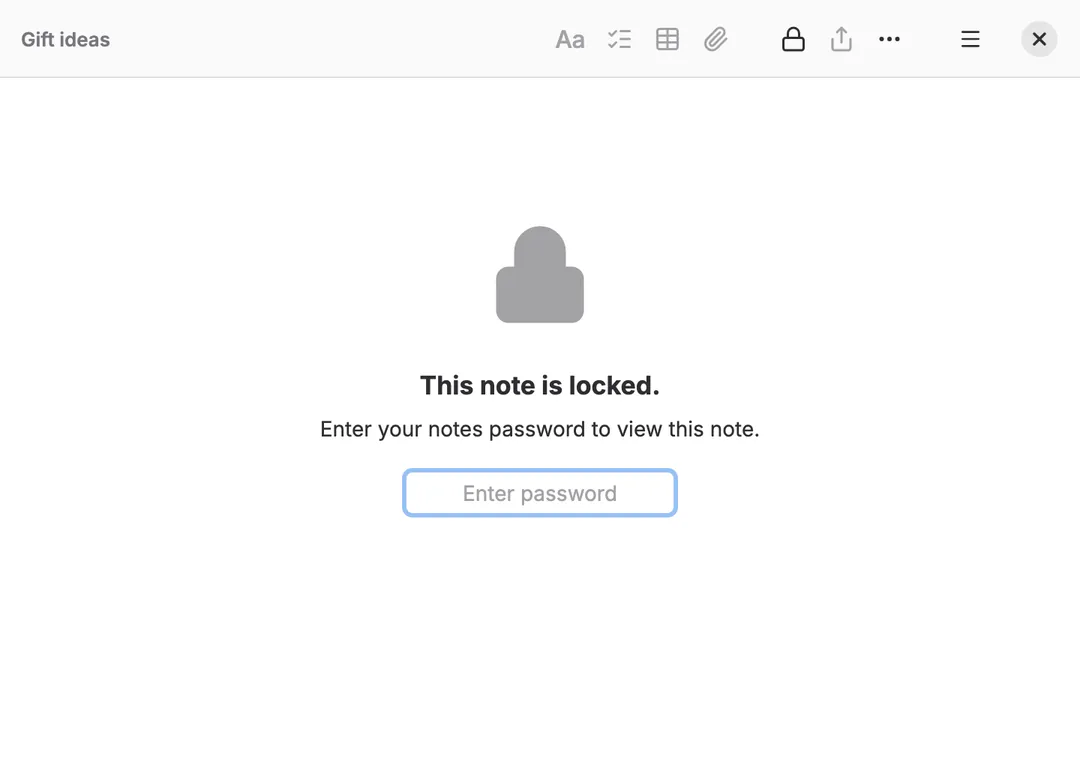
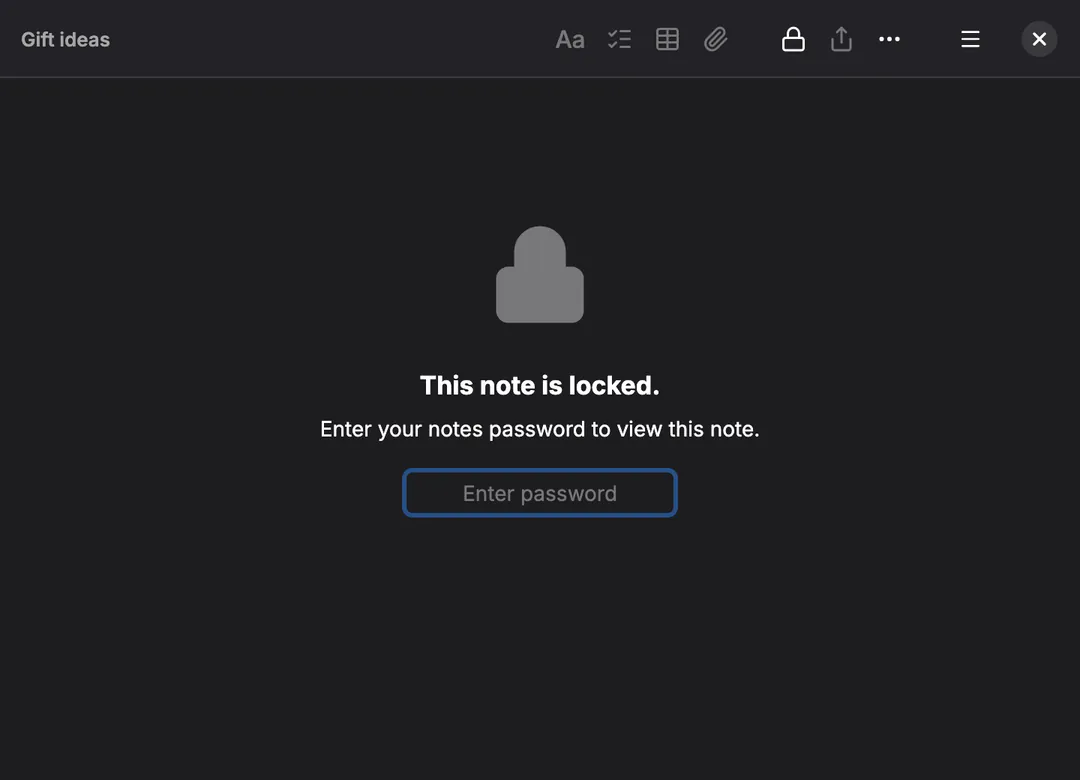
One password locks the notes you choose, sealed on your device. Open them with Touch ID, Face ID or Windows Hello.
Type a #tag anywhere. Smart folders gather notes by tag, date, checklist, attachment or lock.
Ignores case and accents: “cafe” finds “Café”. Narrow it to checklists, tags or attachments.
Sums, variables and units: 5 km in miles = works out as you type.
Pin what matters, browse a folder as a gallery, nest folders, and jot Quick Notes.
Import from Apple Notes, Evernote, Google Keep, Simplenote, Bear and Obsidian, folders and all.
Export to Markdown or PDF, print, or share. Your notes are never stuck here.
A shortcut for everything, find and replace, and notes in windows of their own on desktop.
Your library lives on your device. Everything works without a connection; sync catches up later.
Each device seals its edits before they leave and merges everyone else’s. Whatever stores them only ever sees ciphertext, and two devices editing at once both keep their changes.
Every plan has every feature on every system. You only ever pay for Notelet Cloud’s storage, and only if you want it.
Free
Sync through an S3 bucket, WebDAV or a folder you already have.
Early testers
Free for life
For the first 1,000 Notelet Cloud accounts, as thanks for testing the beta.
Opening soon
£10 a year
Plenty for years of notes and pictures.
Opening soon
£25 a year
For libraries full of video, audio and PDFs.
Paid plans open soon. Until then, Notelet Cloud is free for its first 1,000 accounts. Once open, they renew yearly and can be cancelled any time.
Your notes are sealed on your device before they go anywhere. Not even Notelet Cloud can read them.
2 October 2026 at 20:15
ATA8oJuCUGGNHZDJdoJkR2NLikt7V6B0M42T2+VIRoNeTfCbwKNkP1rZtBEiqQJbPtklAMlIYwzBmh7Ap+8JVMjkIRWIHdXSSpWqGd9ETEDnMH8Yqad8ll43Shw86argGqIHivUZ/Q/StVM=
For the holidays. • A pottery class • The field guide to mushroomsEvery change is sealed on your device with XChaCha20‑Poly1305 before it leaves, with keys derived from your passphrase by scrypt.
Notelet Cloud, or your own bucket, holds sealed files: their sizes and times, never their words. Each file is sealed with its name, so none can be swapped for another.
It never leaves your devices; the keys live in the Keychain or Keystore. There’s no back door, so there’s no reset either.
Edits merge on your devices, in any order. Change the same note in two places at once and both changes stay.
Lock a note and its words are sealed even on your own device, until your password, Touch ID, Face ID or Windows Hello opens them.
There are no analytics in the app, and this site doesn’t track you either.
Notelet 0.10 is free while it’s in beta. Tell us what you think: every report makes it better.
Beta software: keep a copy of anything precious (File › Export to Markdown makes one in seconds).
Yes, while it’s in beta, and syncing through your own storage stays free for good. Notelet Cloud will have a free plan for early testers and paid plans after that; see pricing.
No. Notes are encrypted on your devices with a key made from your passphrase, and the passphrase never leaves them. Notelet Cloud stores ciphertext and can see only how big each file is and when it was written.
Your devices keep their copy of your notes and keep working. But there’s no recovery by design: if you lose every device and the passphrase, nobody can open the synced copy, including us. Keep the passphrase somewhere safe, like a password manager.
On purpose. Notelet takes the look of the system it runs on: Apple’s on a Mac and iPhone, Fluent on Windows 11, Adwaita on Linux and Material 3 on Android. Every screen, command and shortcut is the same everywhere; only the colours, corners, type and controls change.
Yes. Notelet imports what Apple Notes, Evernote, Google Keep, Simplenote, Bear and Obsidian export, keeping folders, dates, pins, tags, checklists and pictures. You see what will come in first, and notes you already have are skipped.
No. Notelet works on its own, offline, with your notes on your device. You only need an account for Notelet Cloud, and none at all if you sync through your own storage.
Notelet Cloud; any S3-compatible bucket, such as Cloudflare R2, Backblaze B2, Amazon S3 or MinIO; a WebDAV server such as Nextcloud or a Synology; or, on desktop, a folder that Dropbox, iCloud Drive, OneDrive or Syncthing keeps in step.
No. Notelet is an independent app that follows each system’s published design guidelines. It isn’t affiliated with or endorsed by any of them.